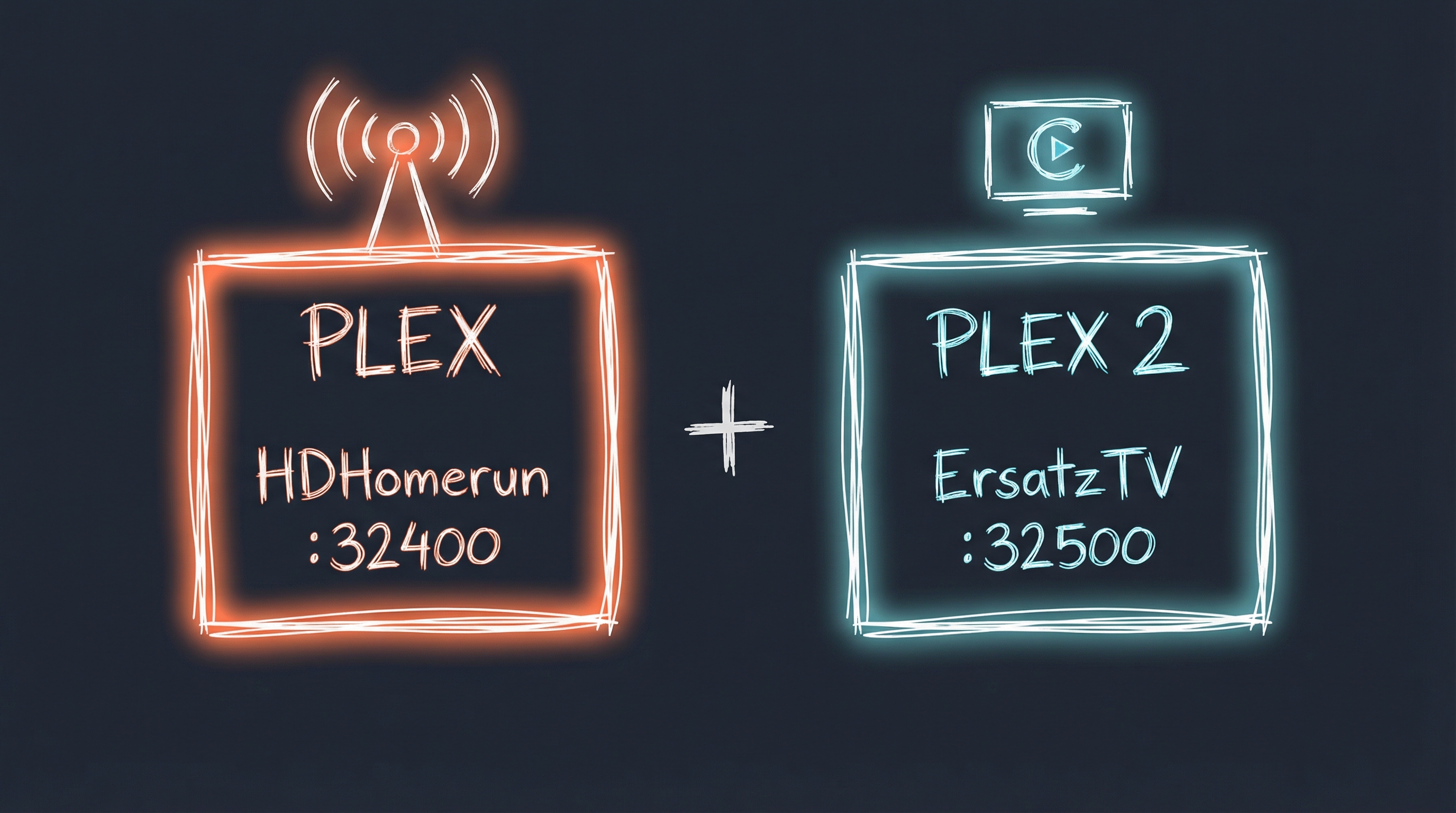
Running ErsatzTV and OTA Channels in Plex
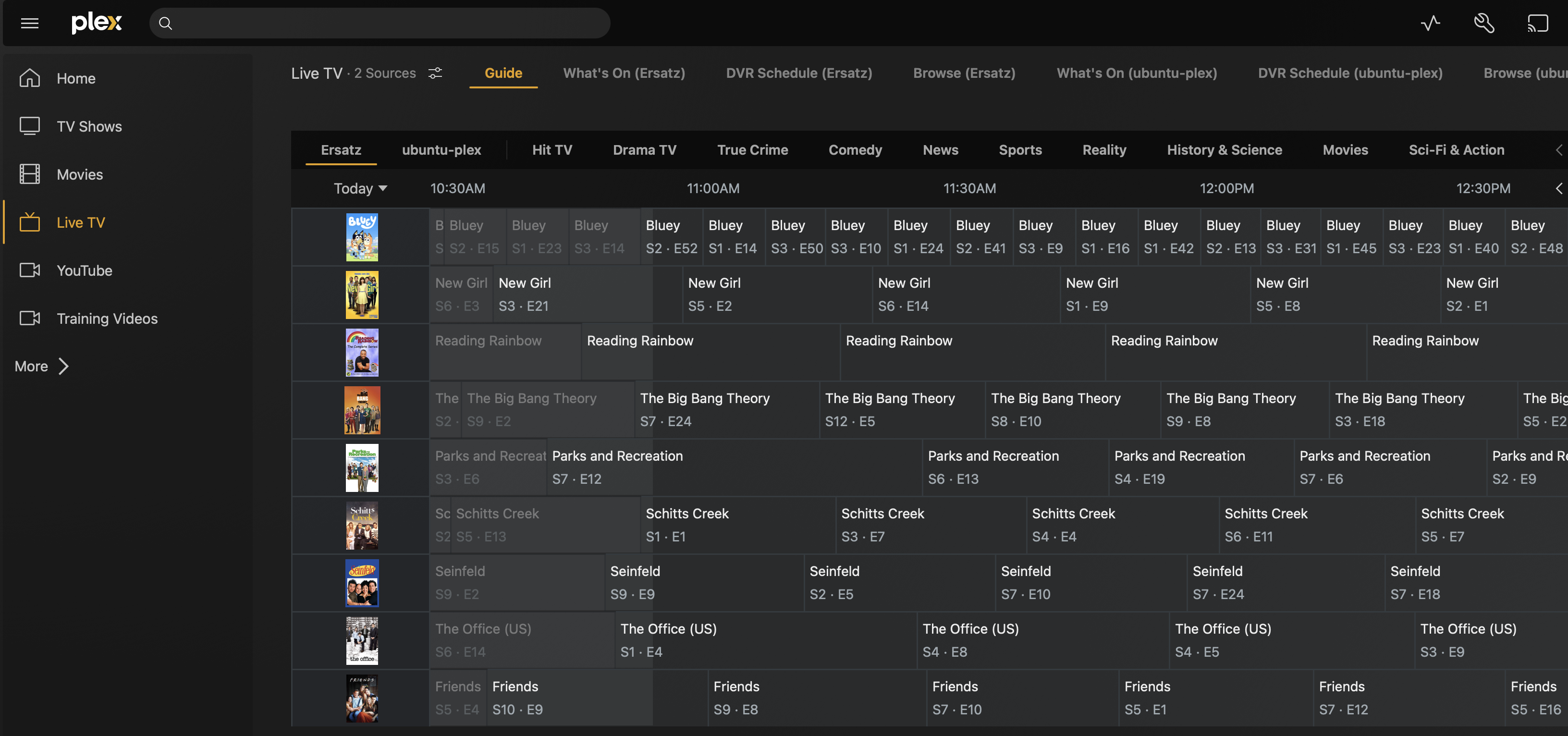
I liked the idea of ErsatzTV and had tested it out via Jellyfin. Worked well, but there isn’t a great AppleTV client for Live TV (I tried many). If you haven’t seen ErsatzTV before, check it out. Basically, it allows you to setup Live TV channels complete with guides (and commercials if you want). This is fun for tv shows you own and want to have a channel that plays them constantly in whatever order you want or mix things up with different shows on one channel. Takes the guess work out of what to watch in certain circumstances.
Our family watches Live TV through Plex currently via HDHomerun. Plex is running from a docker container on a mini PC running Ubuntu, along with the ErstazTV container. But, Plex Live TV has a frustrating limitation: you can only configure one Live TV guide source at a time. I already had an HDHomerun pulling in over-the-air channels, but wanted to add custom channels from ErsatzTV.
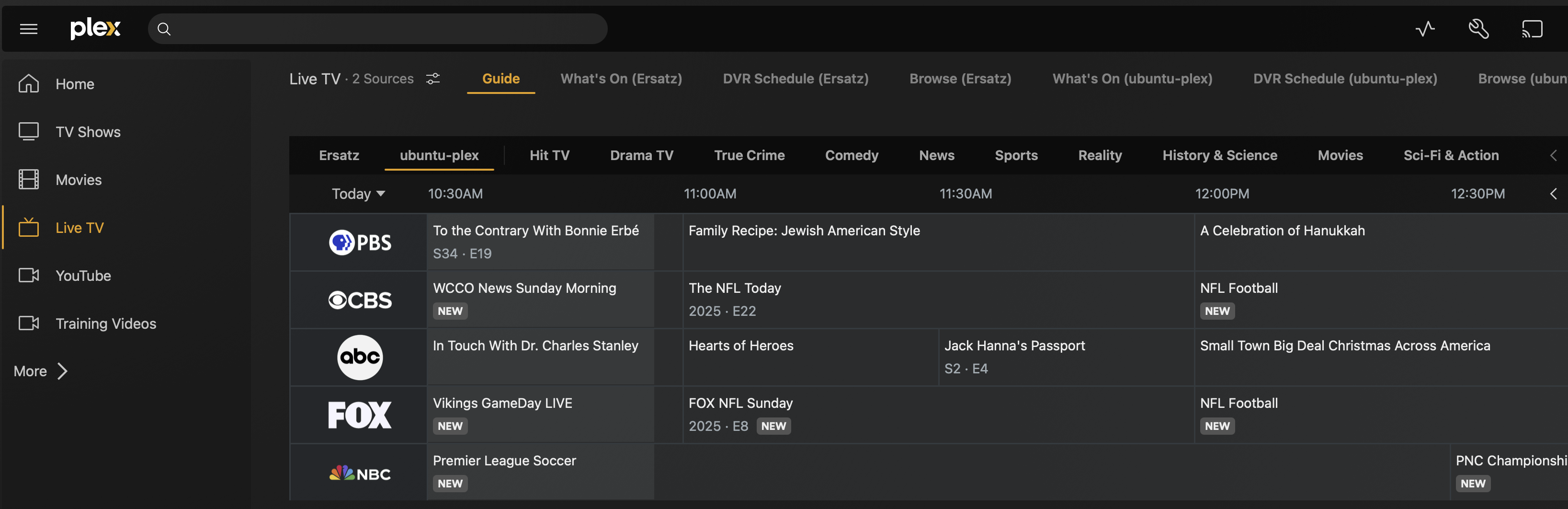
One workaround is to run two separate Plex containers on the same server with different port mappings. It’s not elegant, but it works until Plex adds support for multiple Live TV sources.
- Main Plex (plex) - Uses your HDHomerun for OTA channels
- Secondary Plex (plex2) - Uses ErsatzTV for custom channels
Both containers run on the same Ubuntu pc, just with different port mappings so they don’t conflict. You can switch between them in any Plex client by adding both servers to your account.
Prerequisites
Before starting, you’ll need:
- Docker and Docker Compose installed on Ubuntu (or any Docker-capable system)
- ErsatzTV already set up and running (see ErsatzTV docs)
- HDHomerun device (or other tuner) already working with your main Plex
- Intel CPU with iGPU (optional, for hardware transcoding - I’m using this on both instances)
- Storage mount for media (I’m using Synology NAS via NFS at /mnt/synology/)
Configuration Overview
Here’s how the three containers interact:
┌─────────────────────────────────────────────────┐
│         Ubuntu Server (192.168.1.x)           │
│                                                 │
│  ┌──────────────┐  ┌──────────────┐            │
│  │ Main Plex    │  │   Plex2      │            │
│  │ Port 32400   │  │ Port 32500   │            │
│  │ (HDHomerun)  │  │ (ErsatzTV)   │            │
│  └──────┬───────┘  └──────┬───────┘            │
│         │                  │                     │
│         │         ┌────────▼─────────┐          │
│         │         │    ErsatzTV      │          │
│         │         │    Port 8409     │          │
│         │         └──────────────────┘          │
│         │                                        │
│         ▼                                        │
│  HDHomerun Device (192.168.1.x)                 │
└─────────────────────────────────────────────────┘
Main Plex Configuration
This is your primary Plex instance with HDHomerun. It uses network_mode: host to make network discovery easier for DLNA and local clients.
# Main Plex - docker-compose.yml
services:
  plex:
    image: plexinc/pms-docker:latest
    container_name: plex
    network_mode: host
    devices:
      - /dev/dri:/dev/dri  # Intel iGPU for hardware transcoding
    environment:
      - PLEX_UID=1000
      - PLEX_GID=1000
      - TZ=America/Chicago
      - VERSION=docker
    volumes:
      - /etc/plex/config:/config
      - /mnt/synology/TV:/TV
      - /mnt/synology/Movies:/Movies
      - /mnt/synology/Music:/Music
      - /mnt/synology/Videos:/Videos
      - /mnt/synology/Training:/Training
    restart: unless-stopped
- Uses default port 32400 (via
network_mode: host) - Has access to your main media libraries
- Configure HDHomerun as your Live TV source in Plex settings
ErsatzTV Configuration
ErsatzTV creates custom 24/7 channels from your existing media. It needs access to the same media libraries.
# ErsatzTV - docker-compose.yml
services:
    ersatztv:
        image: ghcr.io/ersatztv/ersatztv
        devices:
            - /dev/dri:/dev/dri  # Hardware transcoding support
        restart: unless-stopped
        volumes:
            - /etc/docker/ersatz/config:/config
            - /etc/docker/ersatz/commercials:/commercials
            - /mnt/synology/Movies:/movies
            - /mnt/synology/TV:/tv
        ports:
            - '8409:8409'
        environment:
            - TZ=America/Chicago
        container_name: ersatztv
- Access ErsatzTV web UI at
http://your-server-ip:8409 - Create your custom channels here (e.g., “24/7 The Office”, “Random Sci-Fi Movies”)
- ErsatzTV generates an M3U playlist and XMLTV guide that Plex2 will use
Secondary Plex (Plex2) Configuration
This is the workaround. Plex2 runs alongside your main Plex but with remapped ports to avoid conflicts.
# Plex2 (for ErsatzTV) - docker-compose.yml
services:
  plex2:
    image: plexinc/pms-docker:latest
    container_name: plex2
    restart: unless-stopped
    network_mode: bridge
    devices:
      - /dev/dri:/dev/dri  # Intel iGPU for hardware transcoding
    group_add:
      - "video"  # Ensure container can use video devices
    tmpfs:
      - /transcode:size=4G,mode=1777  # Fast transcode scratch space
    ports:
      - "32500:32400"      # Web UI (main change - use port 32500 externally)
      - "2001:1900/udp"    # DLNA
      - "3106:3005"        # Plex Companion
      - "8425:8324"        # Roku via Plex Companion
      - "32425:32414/udp"  # GDM network discovery
      - "32421:32410/udp"  # GDM network discovery
      - "32422:32411/udp"  # GDM network discovery
      - "32423:32412/udp"  # GDM network discovery
      - "32424:32413/udp"  # GDM network discovery
    environment:
      - TZ=America/Chicago
    volumes:
      - /etc/docker/plex2:/config
- Uses
network_mode: bridgeinstead ofhost(allows port remapping) - Port 32500 is how you access Plex2’s web UI
- All other Plex ports are also remapped to avoid conflicts
- Uses a separate config directory
/etc/docker/plex2so it’s completely independent - 4GB tmpfs for transcoding ensures smooth playback
Setting Up Plex2 with ErsatzTV
After deploying all three containers:
- Access Plex2: Navigate to
http://your-server-ip:32500/web - Sign in with your Plex account (same account as main Plex)
- Skip media library setup for now (we only want Live TV)
- Configure Live TV:
- Settings → Live TV & DVR → Set Up Plex DVR
- Choose “Enter EPG address manually”
- M3U URL:
http://your-server-ip:8409/iptv.m3u - EPG XML URL:
http://your-server-ip:8409/xmltv.xml - Continue through channel scanning
- Map your ErsatzTV channels
Switching Between Plex Instances
Both Plex servers appear in any Plex client in Live TV section:
- Top-left server dropdown will show both “Plex” and “Plex2”
- Switch between them to access different Live TV sources
Hardware Transcoding
Both containers have access to /dev/dri for Intel Quick Sync hardware transcoding. This is critical for Live TV - software transcoding will struggle with multiple simultaneous streams.
To verify hardware transcoding is working:
- Start a Live TV stream
- Check Plex dashboard (Settings → Status → Now Playing)
- Look for “(hw)” next to the transcode indicator
Caveats
This is a workaround, not a permanent solution:
- You’re running two full Plex instances, which doubles the resource usage
- Each instance has separate settings, watch history, and metadata
- You have to manually switch servers in Plex clients
- It’s not as seamless as having multiple sources in one Plex instance
When this approach makes sense:
- You want both traditional TV (HDHomerun) and custom channels (ErsatzTV)
- You have the server resources to run two Plex instances
- You don’t mind switching servers to access different content
Resource impact:
- Main Plex: ~2-4GB RAM idle, more when transcoding
- Plex2: ~2-4GB RAM idle, more when transcoding
- ErsatzTV: ~500MB-1GB RAM
- Total: Plan for at least 8GB RAM, preferably 16GB
By running two completely separate Plex servers (with different config directories and ports), each can have its own Live TV source.
Both servers authenticate with the same Plex account, so all your clients see both servers and you can switch between them freely.
⸻
AI Influence Level: AIL2 Resources: